
A budgeting app with crypto: 6 criteria that matter in the EU
Most budgeting apps stop at your current account, and your crypto sits in another app. Instead of one more ranking: six criteria to check any budgeting app with crypto support against, and where FinBoard meets them and where it doesn't.
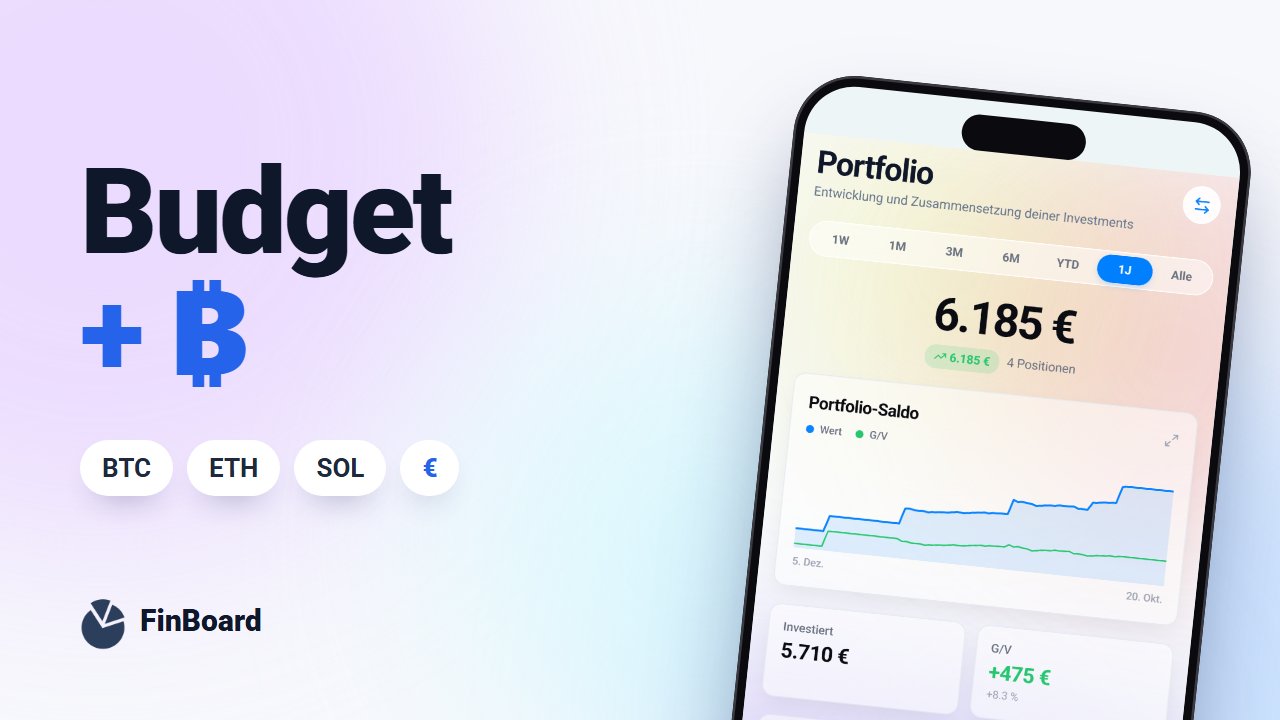
Table of contents
- 1. Add wallets without a private key
- 2. Connect exchanges with read-only keys
- 3. Prices: how often, and from where?
- 4. Everything in one currency
- 5. Records you can defend at tax time
- 6. Data location and an exit
- FinBoard against the six criteria
- FAQ
- Is it safe to enter a wallet address in an app?
- Does FinBoard show real-time prices?
If you hold Bitcoin or Ethereum, you know the picture: your budget in one app, your depot in your banking app, your crypto in a wallet or on an exchange. None of them answers the question "how much do I have in total, and how much of it can I spend this month?"
Rankings of the "best" apps don't help much here, because the answer depends on your accounts, your coins and how much you care about privacy. Criteria you can apply to any app are more useful. Here are six, each with FinBoard's answer. Where tax comes up, we describe the rules for residents of Germany.
1. Add wallets without a private key
To show what's in a wallet, an app only needs its public address, which can't be used to move anything. If an app asks for your seed phrase or private key, walk away.
FinBoard: you add wallets by public address only, on nine networks: Bitcoin, Ethereum, Solana, Polygon, BNB Smart Chain, Arbitrum, Optimism, Base and Avalanche C-Chain. Balances are refreshed daily.
2. Connect exchanges with read-only keys
When an app connects to a crypto exchange through its API, you create a key on the exchange. Give it read permissions only: no trading, no withdrawals. In the worst case such a key can reveal balances, but it can't move money.
FinBoard: Kraken, Coinbase and Bit2Me connect via API key, and the app walks you through creating a read-only one. Trades on other exchanges come in through a CSV import or by hand.
3. Prices: how often, and from where?
Trading needs real-time prices. Budgeting and net worth don't. What matters is that the app tells you how fresh its numbers are and where they come from.
FinBoard: crypto prices update once a day, from sources including CoinGecko. That's enough to track your net worth. FinBoard is not built as a trading tool.
4. Everything in one currency
Crypto is mostly quoted in US dollars, while your life runs in euros. An app has to bring both together at a traceable rate, or you end up comparing apples and oranges.
FinBoard: everything is converted into your default currency using European Central Bank reference rates. Why combining portfolios is more than adding them up is explained in Crypto, stocks and currencies in one dashboard.
5. Records you can defend at tax time
If you are tax resident in Germany, gains from selling crypto are private disposals under § 23 of the Income Tax Act (EStG). As of 2026:
- Holding period: gains are tax-free once you have held the coins for more than one year.
- Exemption limit: if your total gains from private disposals stay below €1,000 in a year, they are tax-free. Above that, the whole gain is taxable, not just the part over €1,000.
- Order of disposal: under the Federal Ministry of Finance guidance of 6 March 2025, the order of disposal, such as FIFO, is applied per wallet. The guidance also expects complete records of purchases, sales, wallets and timestamps.
A budgeting app should therefore keep full purchase dates and quantities, not just your current balance.
FinBoard: for trades you record, FinBoard applies FIFO and shows the gain on each sale. It does not check holding periods and does not produce a tax report for the tax office. Specialised crypto tax tools do that. FinBoard gives you the overview, it doesn't replace your tax return.
6. Data location and an exit
Owning crypto is sensitive information. Check where an app stores your data and whether you can export and delete it. We collected the key questions in 7 privacy questions to ask before you connect your bank.
FinBoard: the database runs in Frankfurt. You download a full CSV backup in Settings and delete your account there yourself.
FinBoard against the six criteria
| Criterion | FinBoard | Limitation |
|---|---|---|
| Wallets | public address, 9 networks | Basic and up |
| Exchanges | Kraken, Coinbase, Bit2Me, read-only | other exchanges via import or by hand |
| Prices | updated daily | no real-time prices |
| Currency | ECB reference rates | multiple currencies on Basic and up |
| Tax | FIFO gain per sale | no holding periods, no tax report |
| Data | database in Frankfurt, CSV export | AI features use a US provider |
If you also want envelope budgeting, read our FinBoard vs YNAB comparison for Germany.
FAQ
Is it safe to enter a wallet address in an app?
Nobody can move coins with a public address. Keep in mind, though, that anyone who knows the address can see every transaction on it, so only share it with providers you trust.
Does FinBoard show real-time prices?
No. Crypto prices update once a day. That's enough for a net worth overview, not for trading.
Related posts
Dividends, withholding tax and FIFO: keeping track as an investor in Germany
October 27, 2026

Crypto, stocks and currencies in one dashboard: why adding up portfolios isn't just adding
October 6, 2026

Real Diversification: How to Tell If Your Money Is Poorly Spread (Without Being an Expert)
September 13, 2026