
Open banking budget apps: 7 privacy questions to ask before you connect your bank
Open banking law decides who may access your account. How carefully a budgeting app treats your data after that is up to the app. Seven questions worth asking any of them, with our answers for FinBoard, including the ones that take more than a word.
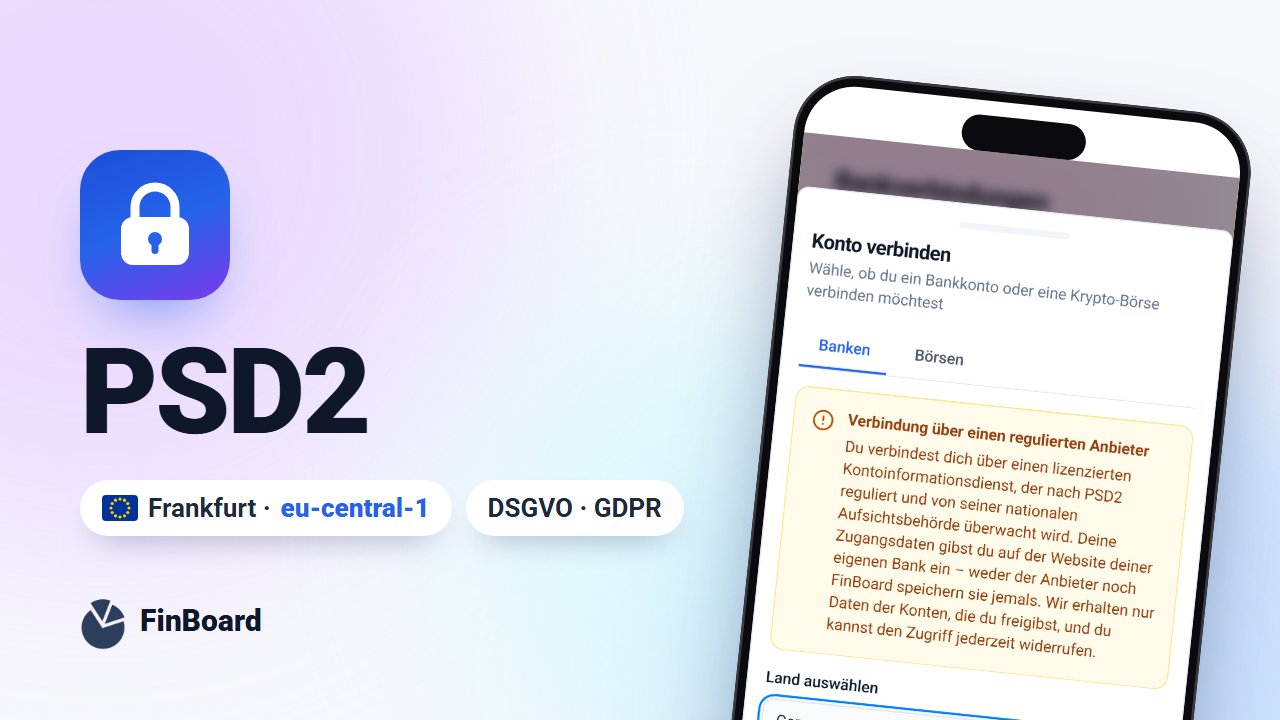
Table of contents
- 1. Where do I enter my bank login?
- 2. Can the app only read, or also pay?
- 3. How long does my consent last?
- 4. Where is my data stored?
- 5. Which data leaves the EU, and why?
- 6. Who can see my data, and is it sold?
- 7. Can I take my data with me and leave?
- The seven questions at a glance
- FAQ
- Is a budgeting app that uses open banking safe?
- Can a budgeting app take money from my account?
- What happens to my data if I delete my FinBoard account?
Open banking itself is tightly regulated. The EU's second Payment Services Directive (PSD2) sets out who may access account data and how you give consent. We explain how that works in Is it safe to connect your bank to an app?
Regulation stops, though, at the point where your data reaches the app. Where it is stored, who can see it and whether you can get rid of it again is up to the provider. These seven questions help you judge any budgeting app that uses open banking. Under each one is FinBoard's answer.
1. Where do I enter my bank login?
The right answer: only with your bank. A trustworthy app sends you to your bank's own website or app to log in. If an app asks for your online banking PIN or password directly, stop there.
FinBoard: connections run through GoCardless Bank Account Data, a licensed and supervised account information service. You log in with your bank and approve access there. Neither FinBoard nor GoCardless sees or stores your login details.
2. Can the app only read, or also pay?
PSD2 separates two services: account information services read data, payment initiation services move money. A budgeting app only needs the first.
FinBoard: access covers balances, account details and transactions. There is no feature that initiates payments.
3. How long does my consent last?
Consent is time-limited and you can withdraw it at any time. When it expires, you confirm it again with your bank. A good app warns you in time instead of quietly showing an old balance.
FinBoard: with German banks, consent lasts up to 180 days. FinBoard reminds you seven days before it runs out. More in What exactly are you authorising when you connect your bank to an app?
4. Where is my data stored?
"In the cloud" is not an answer. Ask for the country or region of the data centre and which law the provider is subject to.
FinBoard: the database runs in Frankfurt (AWS region eu-central-1). FinBoard is an EU company based in Spain and falls directly under the GDPR.
5. Which data leaves the EU, and why?
Almost every app relies on service providers for payments, email or AI. What matters is that the provider says openly which data goes where.
FinBoard: your accounts, transactions and positions stay in the Frankfurt database. Data ends up outside the EU in these cases:
- AI features, only when you use them: the chat sends your question, never names, amounts or balances, and FinBoard answers common questions without any AI provider at all. The AI import sends the first rows of your file, and the receipt scanner sends the photo of the receipt. Our AI provider, Anthropic, processes this content in the US. FinBoard does not keep receipt photos.
- Billing: web subscriptions go through Stripe, purchases in the iPhone app through Apple and the service provider RevenueCat.
- Google sign-in: only if you sign in with your Google account.
- Crypto wallets: to look up balances, FinBoard sends the public address to blockchain services.
- Web analytics: Google Analytics runs only if you accept it in the cookie banner.
6. Who can see my data, and is it sold?
Look for two things: whether different users' data is cleanly separated at a technical level, and whether the provider passes data on to make money.
FinBoard: every row in the database is tied to your user account through row-level security, so the app can only read your own data, even if a bug in the interface asked for something else. Your data is not sold.
7. Can I take my data with me and leave?
The GDPR gives you a right to data portability and a right to erasure. Good apps let you use both without emailing anyone.
FinBoard: under Settings → "Export my data" you download a full backup: a ZIP of CSV files covering accounts, transactions, trades, categories, budgets and more. You delete your account yourself in Settings. That also revokes your bank access and cancels a web subscription. A subscription bought through the App Store is cancelled there.
The seven questions at a glance
| Question | Good answer | FinBoard |
|---|---|---|
| Login | only at the bank | redirect to your bank |
| Access | read-only | balances, details, transactions |
| Consent | time-limited, with reminders | up to 180 days, reminder 7 days ahead |
| Storage | named precisely | Frankfurt, eu-central-1 |
| Data flows | fully disclosed | AI only when used, analytics only with consent |
| Separation and sharing | separated, never sold | row-level security, never sold |
| Leaving | self-service export and deletion | CSV backup, delete in the app |
How these answers compare with YNAB's is covered in our FinBoard vs YNAB comparison for Germany.
FAQ
Is a budgeting app that uses open banking safe?
Account access under PSD2 is regulated and read-only. How safe the app is overall depends on the provider: where data is stored, where it flows, and whether you can delete it. The seven questions above help you judge that.
Can a budgeting app take money from my account?
Not through account information access. That would require a payment initiation service and your approval for every single payment.
What happens to my data if I delete my FinBoard account?
Your account and data are deleted immediately, your bank access is revoked and a web subscription is cancelled. Invoices stay with the payment provider because tax law requires it.
Related posts
Tracking your net worth across currencies: euros, pounds and dollars in one honest number
October 29, 2026

Your bank's text messages play by new rules: Spain's SMS sender ID registry explained
September 24, 2026

Multiple Bank Accounts: How to Stop Losing Money to Fees You Didn't Notice
September 17, 2026