
Why your finance app might be showing you an old balance — without telling you
When an Open Banking permission expires, your balance doesn't show an error — it just stops moving. Why it happens, other causes of frozen data, 3 ways to spot it, and why FinBoard shows the time of each account's latest data.
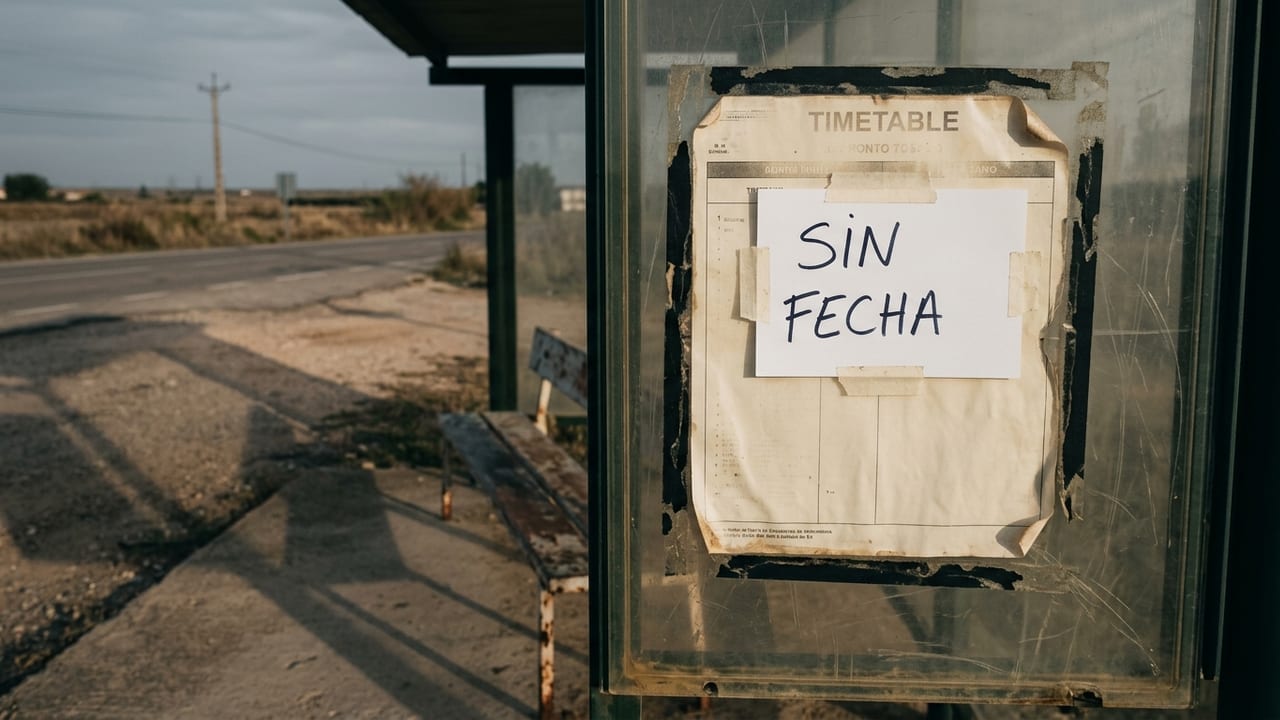
Table of contents
The permission you give an app to read your bank account expires. That's documented and regulated; it's normal, not a bug (see what you authorise when you connect your bank).
What almost nobody talks about is what expiry looks like. It doesn't look like an error. No red warning, no "connection lost" banner. The balance just stops moving, looking perfectly fine — and you keep reading a snapshot that's days or weeks old.
Other reasons data freezes
Your bank changes something on its side; you change your login or authentication method; some card payments show as pending before they settle; and investments don't move when markets are closed (more in why adding up portfolios isn't just adding).
Spot it in 30 seconds
- Look for the date. Every financial figure should tell you when it's from.
- Compare with your last known transaction. Paid by card yesterday but the latest entry is two weeks old? Something stopped arriving.
- Be wary of suspiciously calm balances on an everyday account.
What we decided at FinBoard
We designed for this from the start, which led to a very unglamorous decision: every account shows the time of its latest data. Just a date. It's the cheapest possible signal that something has stopped coming in — and enough to avoid deciding anything based on a stale number. When you see it, you reconnect through your bank and the data catches up.
A copilot who doesn't mention that the map loaded a month ago isn't really helping. Always ask for the date next to the number — in our app and in any other.